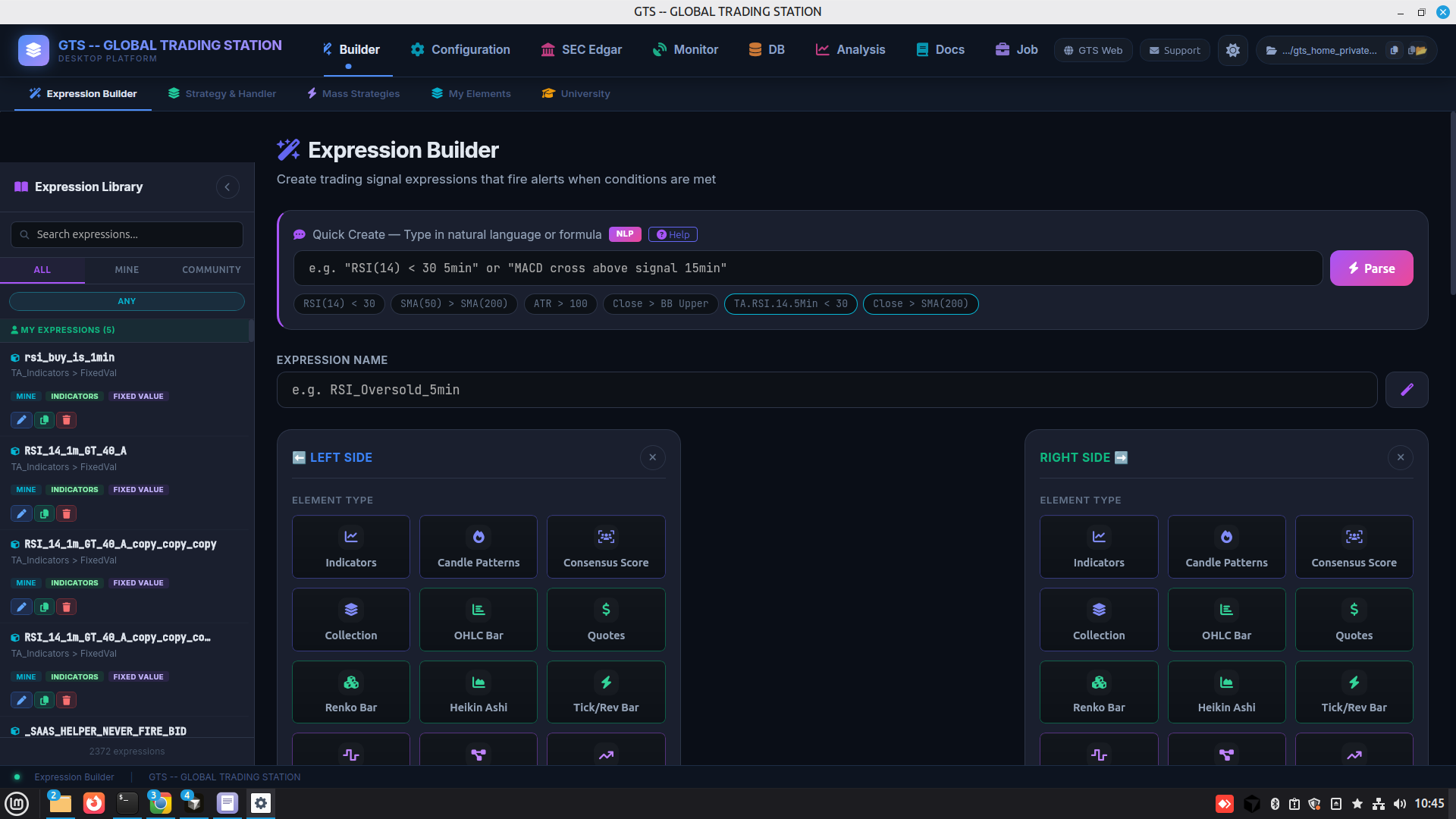
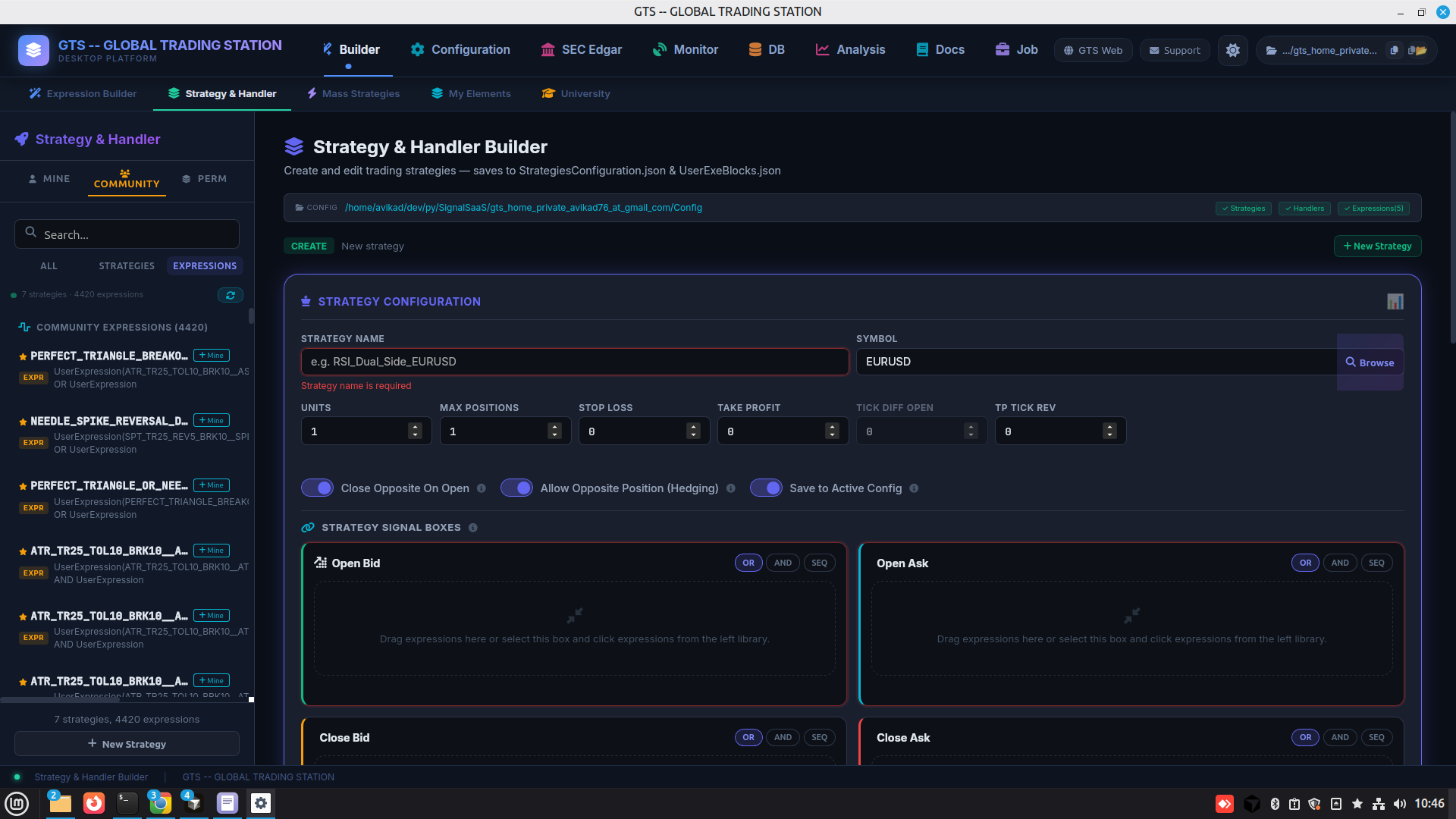
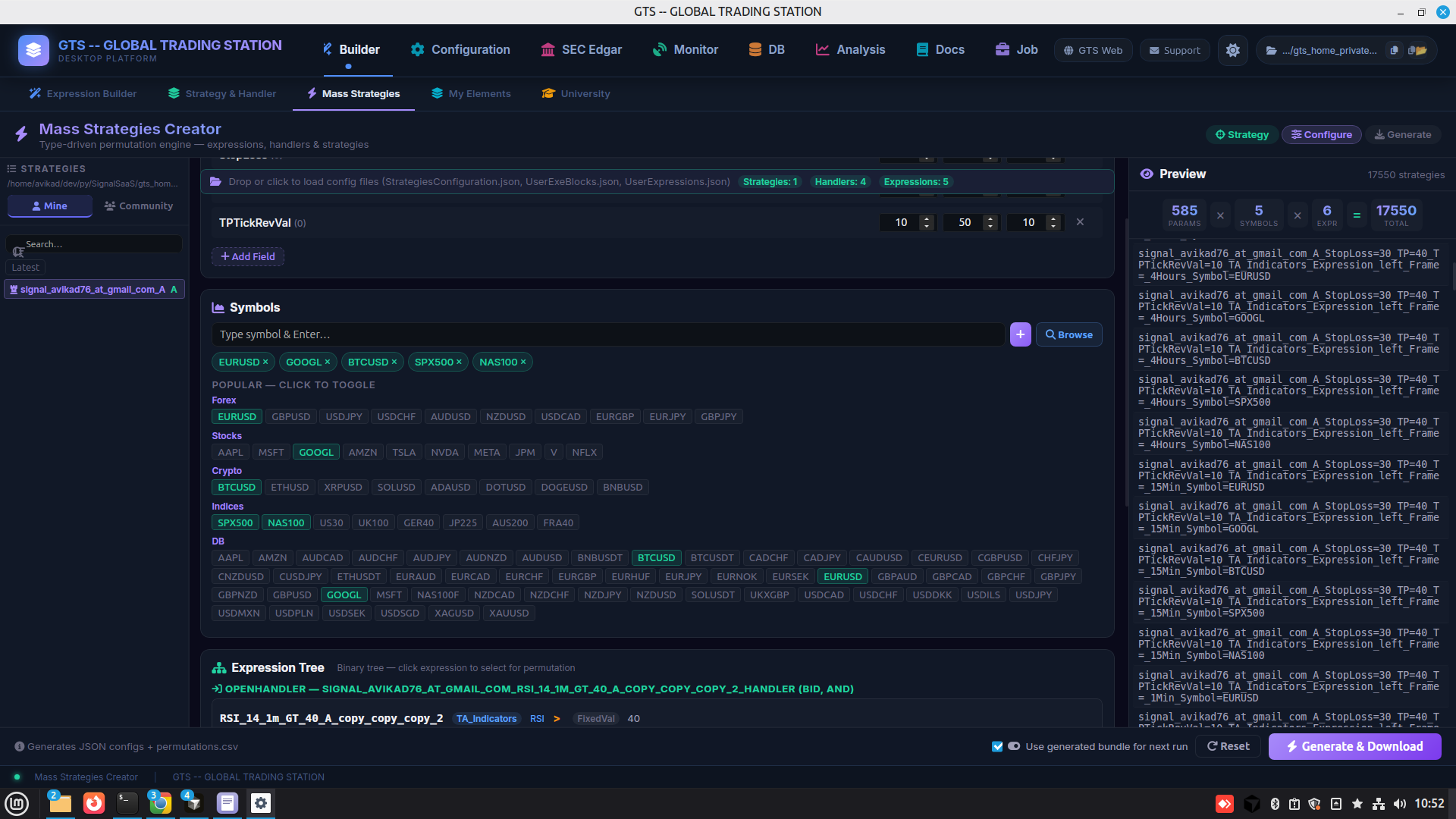
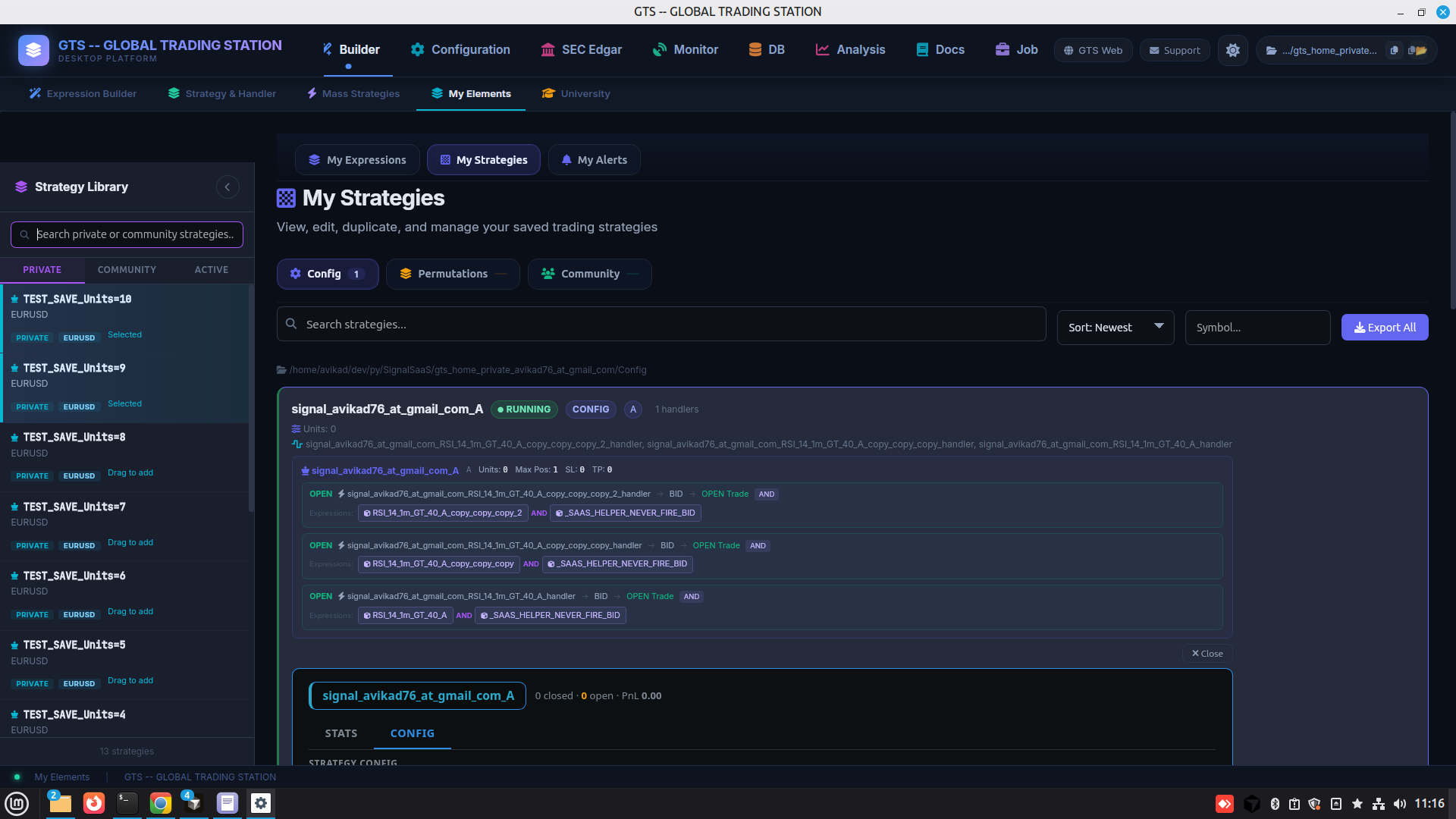
Every builder action exposed as a scriptable job an LLM or terminal can call, plus the offline docs hub that describes them.
8 · AI & CLI
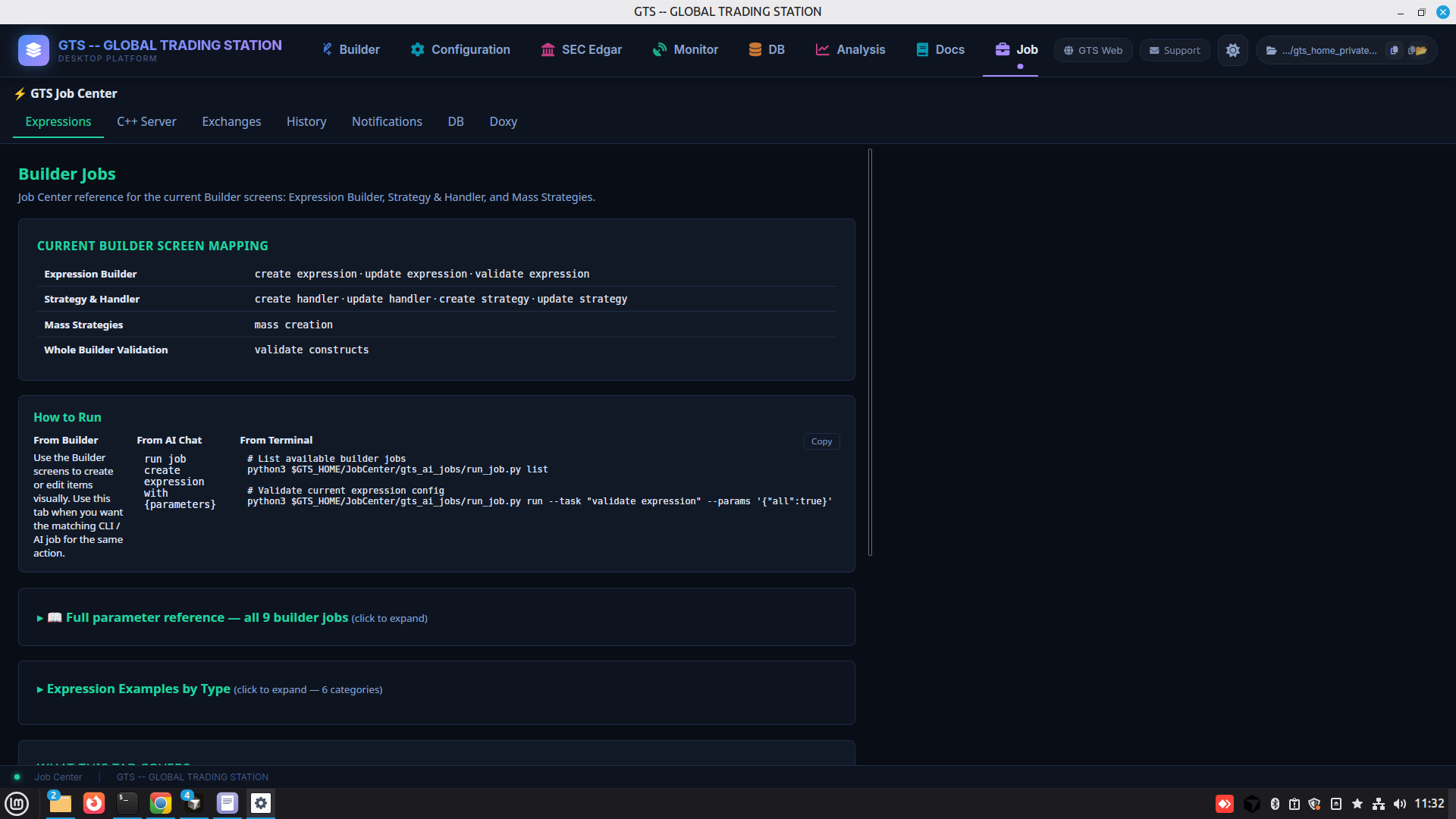
Job Center
Drive any builder action programmatically — from a UI, an AI chat, or a terminal.
Same operation runnable 3 ways: manual via the Builder UI, natural-language via AI chat, or CLI via run_job.py. Per-job parameter reference + examples.
9 · AI & CLI
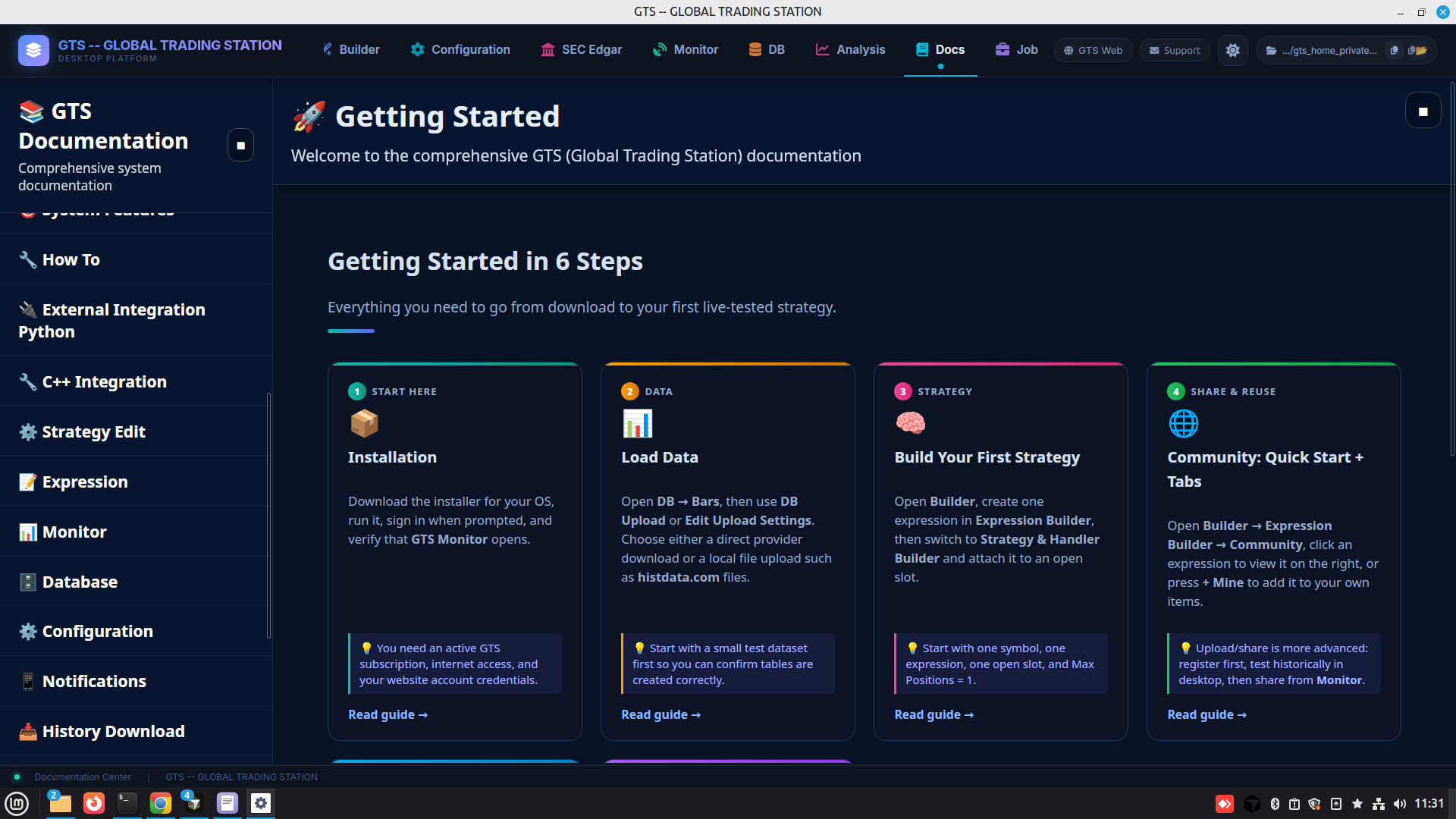
Documentation Center
Offline reference for every feature, structured so AI agents can read and act on it.
Getting Started in 6 Steps + per-topic deep dives + CLI-job reference.
4. Data Handling
Ingest, browse, and watch the trading database — the DB side of the station.
10 · Data
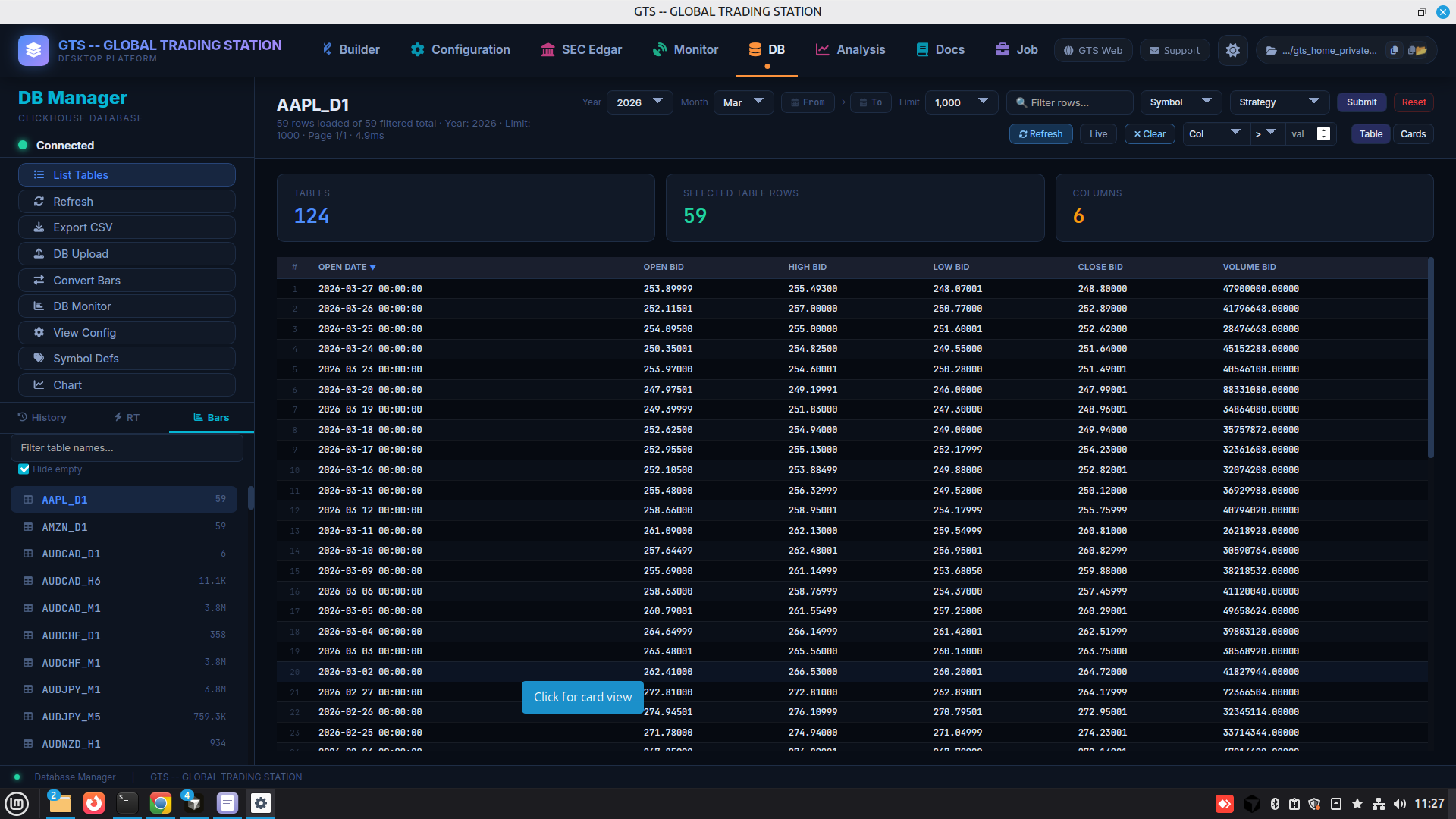
DB Manager
One place to manage every database used by GTS — bars, history, and reference data.
Native ClickHouse browser — view tables, drill down per symbol, filter rows, paginate large sets.
11 · Data
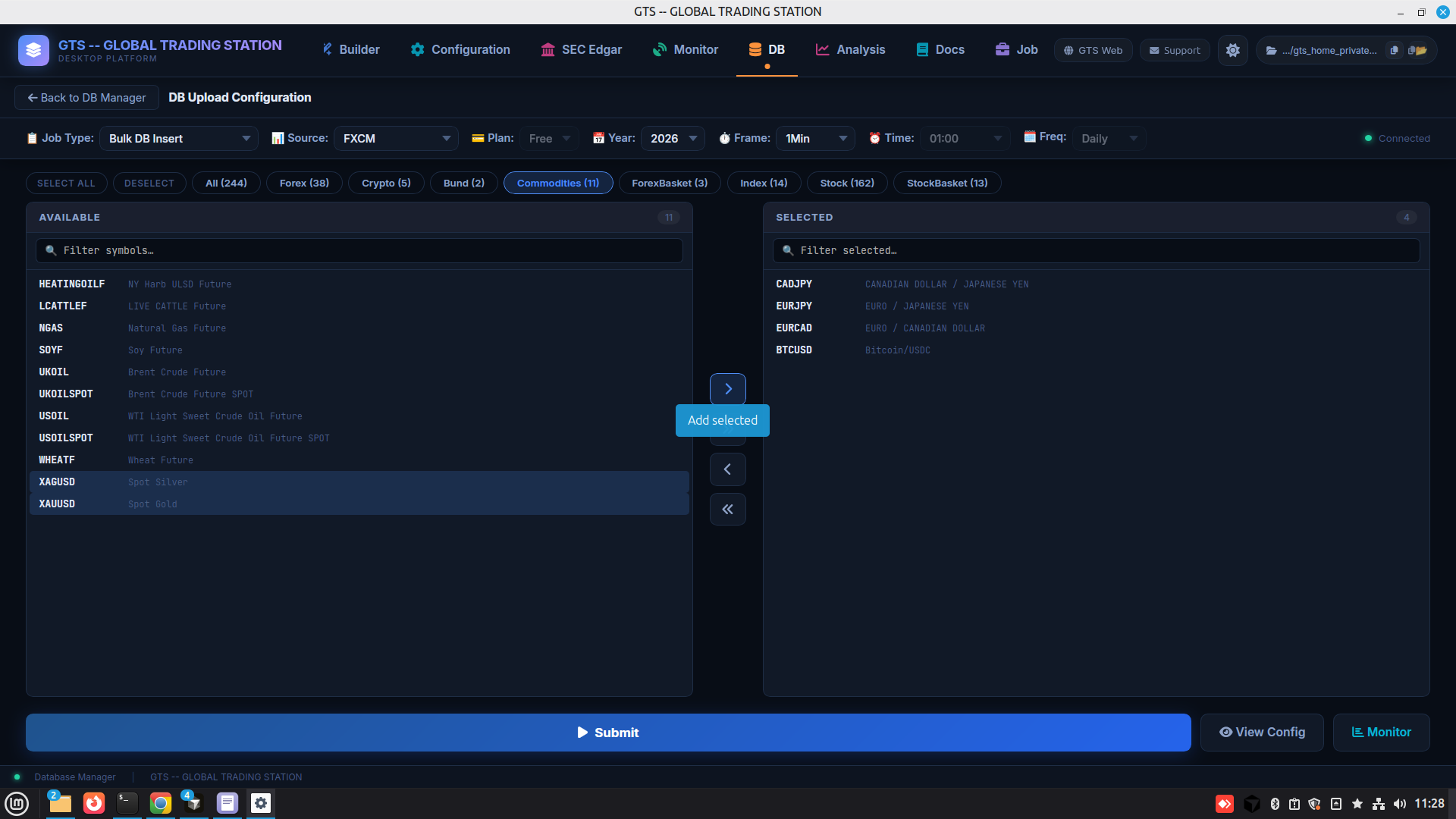
DB Upload
Pull or push historical market data into the trading DB in bulk jobs.
Pick source × symbol set × year × timeframe and Submit.
5. Monitor & Analyze
Live engine state, account stats, charts & screeners, fundamentals — the side that watches the markets and the running system. More monitor reports coming.
12 · Monitor
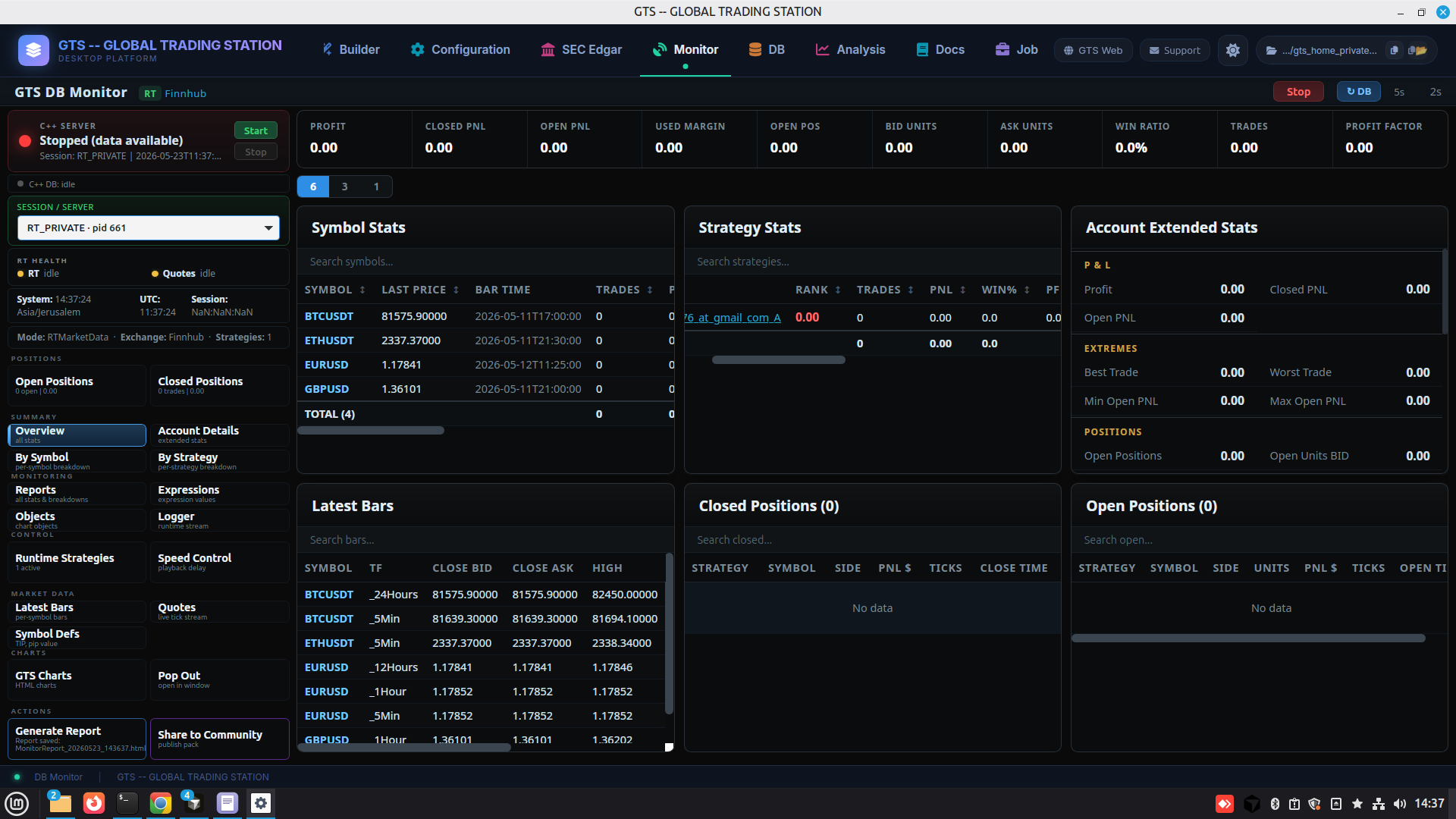
Monitor Overview
Top-level cockpit summarizing every live engine and account stat at a glance.
Profit / Closed PnL / Open PnL / Used Margin / Open Pos / Bid & Ask Units / Win Ratio / Trades / Profit Factor — plus session, RT health, positions, market data, and quick actions.
13 · Monitor
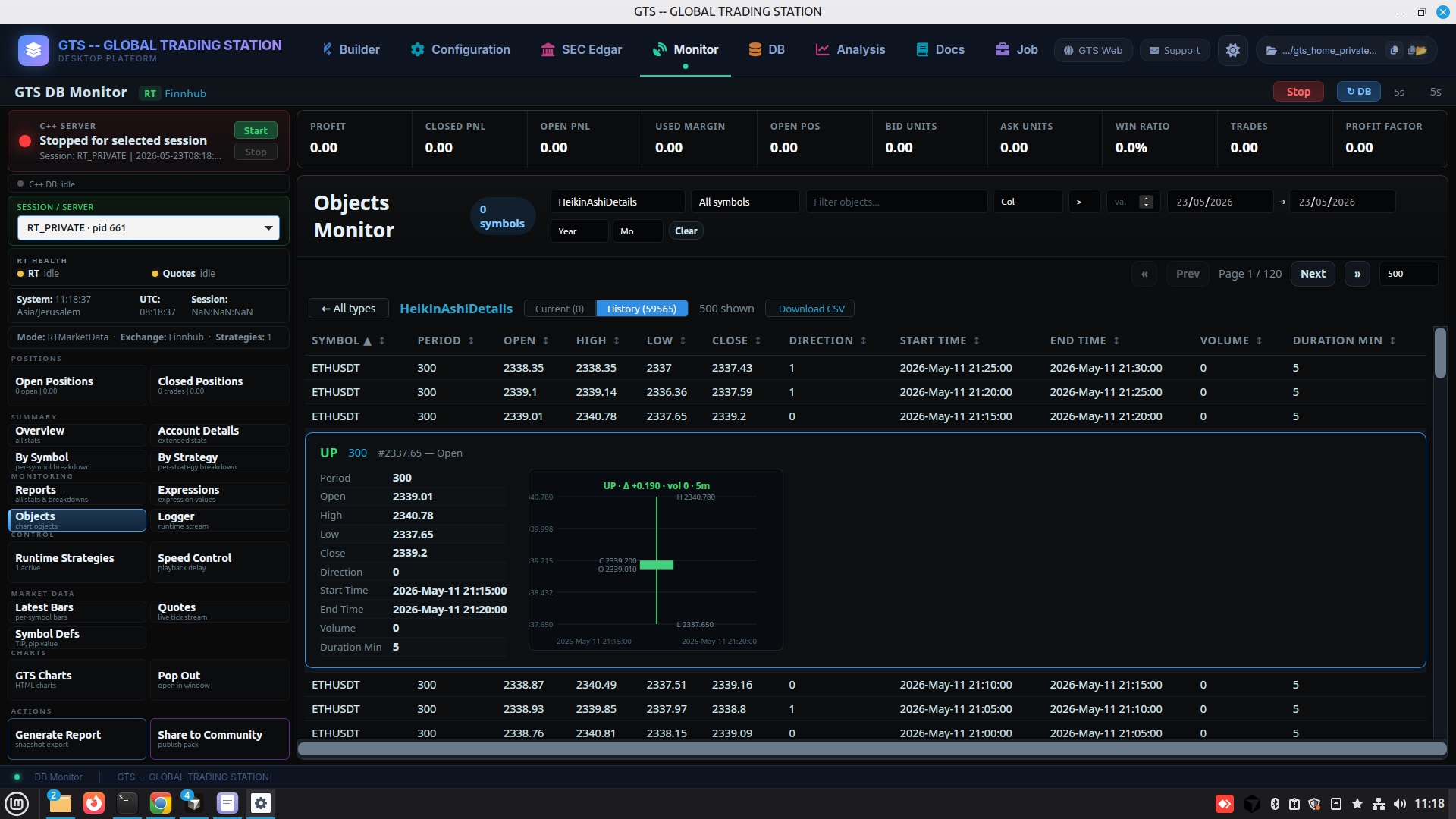
Object Monitor
Drill into every live object inside the running engine.
Per-object live state — RT subscriptions, indicator caches, candle history, positions, trades.
14 · Analyze
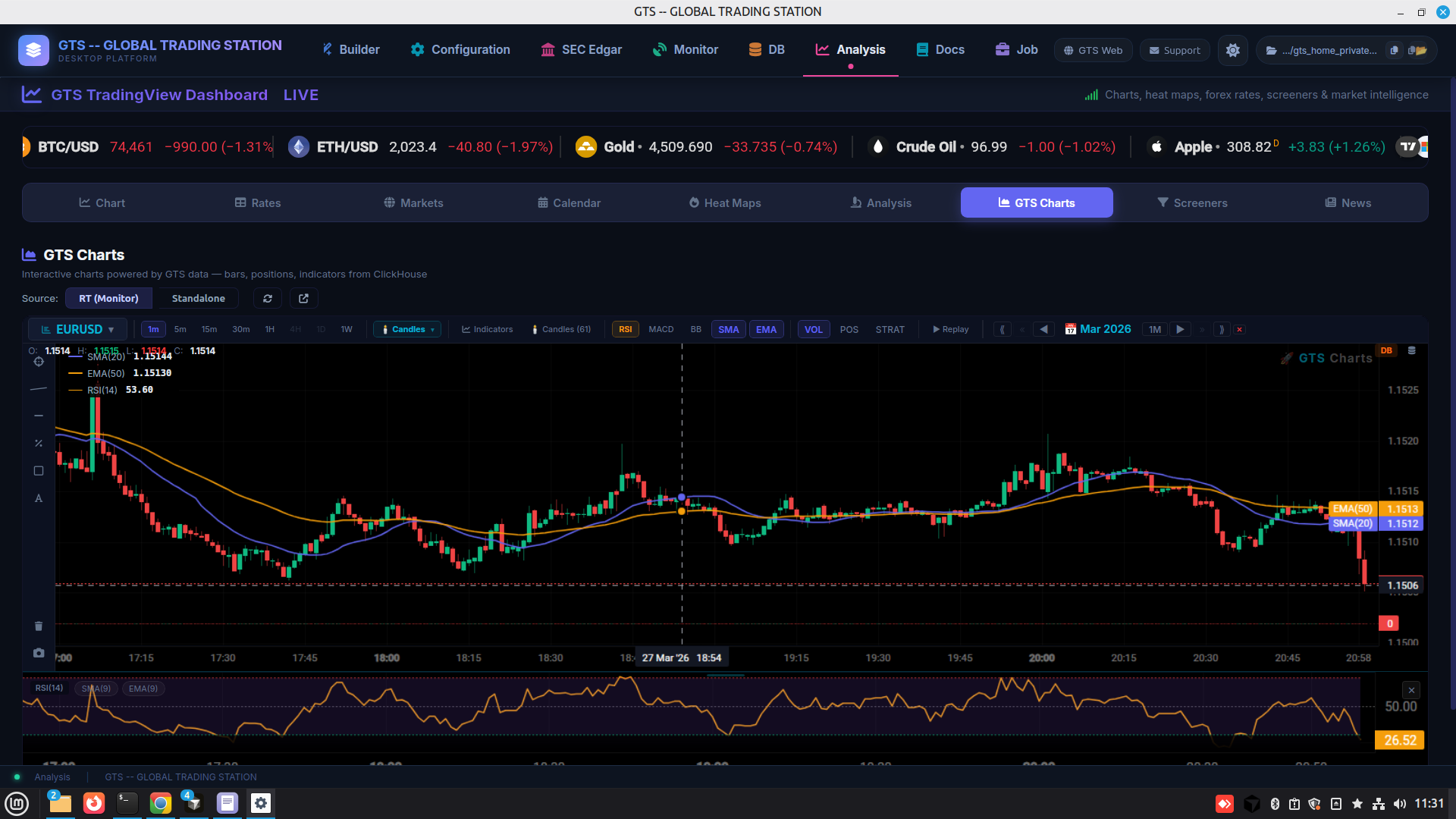
Analysis
Embedded market-analysis dashboard powered by TradingView.
Charts, screeners, calendars, news, heat maps inside the station.
15 · Analyze
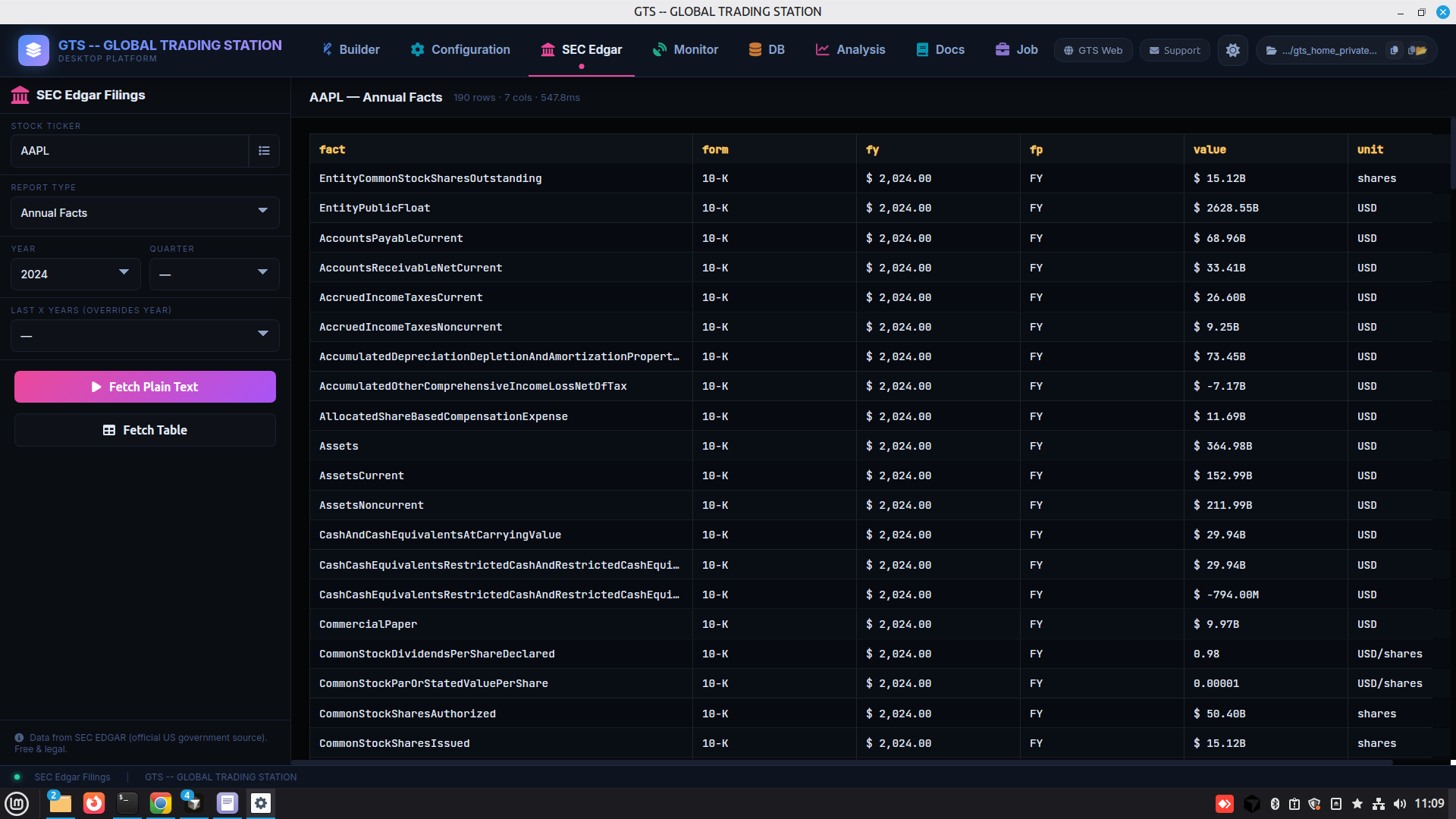
SEC Edgar
Pull every line-item from a company's SEC filings to use as fundamental signals.
Built-in EDGAR integration — ticker × filing type × year, fetch table or plain text.